ChemVault-SIK

Supporting information you can check.

ChemVault-SIK takes a chemistry project from the raw instrument data to the finished supporting information (SI). It makes the figures, builds the SI document, checks a finished SI against its raw data, and seals everything into one file that shows any later change.

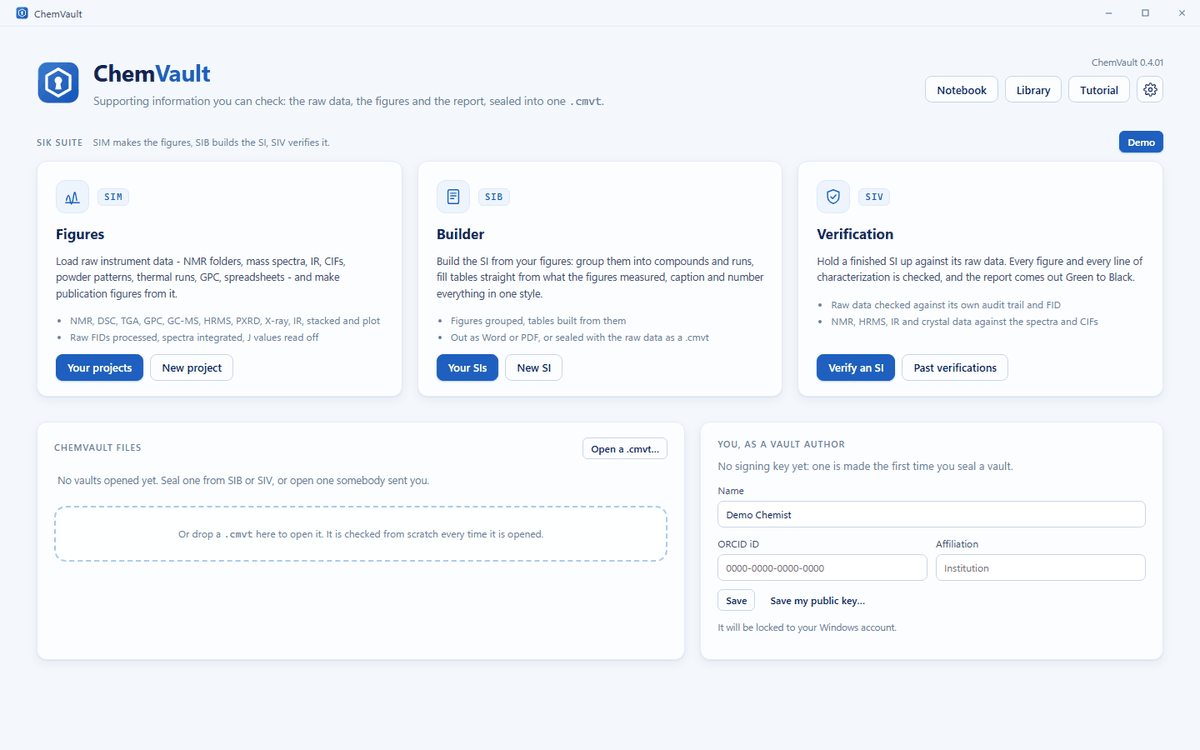
Contact us Try the demo (access by request) The ChemVault-SIK home screen with the SIM, SIB and SIV cards, the vault and the notebook
What it is

ChemVault-SIK is a desktop application under the ChemVault name. It holds the SIK Suite: three modes that share one library, plus a vault, a lab notebook and a structure drawer.

SIM · SI MAKER

Figures

Load raw data from the instrument and make publication figures, with the spectra processed and labeled for you.

SIB · SI BUILDER

The SI document

Build the SI from your figures: compounds, reactions, procedures, tables and captions, in one style, written out as Word and PDF.

SIV · SI VERIFICATION

Checking

Hold a finished SI up against its raw data. SIV flags what does not match and gives a graded report, from Green to Black.

Who it is for

Synthetic chemists

Turn a folder of NMR, mass spectrometry, IR and crystal data into figures and a finished SI without retyping numbers.

Group leaders and labs

Check an SI before it goes out, keep past checks in one library, and keep the raw data together with what was made from it.

Reviewers and editors

Check a submitted SI against the raw data deposited with it, and open a sealed file to see whether anything in it has changed.

Polymer and materials chemists

Thermal traces, GPC, powder patterns and copolymer composition from ¹H spectra, in the same figure style.

Key features

Everything below is in the current release of the app.

SIM

Reads what your instruments write

  • NMR from Bruker, Varian/Agilent, JEOL and JCAMP-DX
  • HRMS from Thermo, Waters and Agilent
  • IR, CIFs and powder patterns
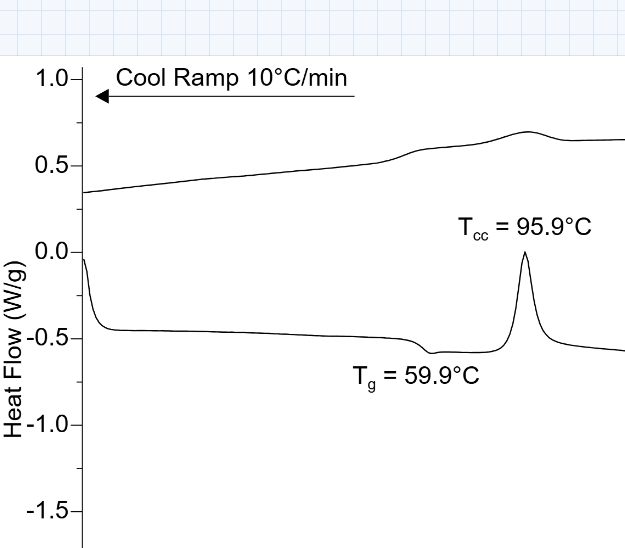
  • DSC and TGA (TA and NETZSCH), GPC, GC-MS and spreadsheets
  • One folder dropped into every mode at once, each taking only its own files
SIM

Figures ready for the journal

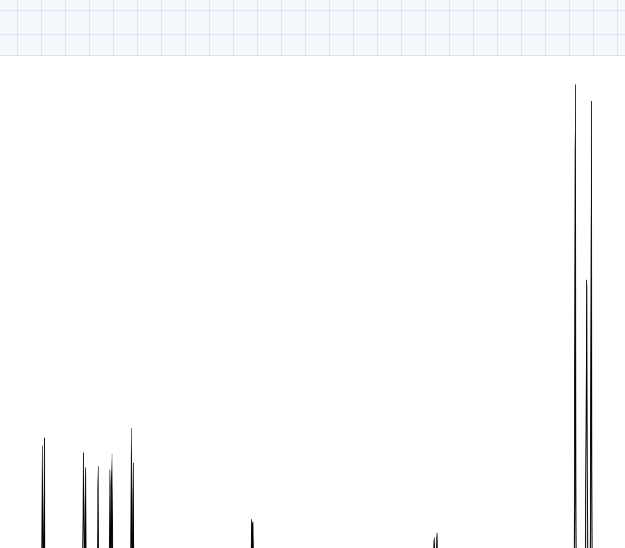
  • Spectra processed, phased and integrated on upload
  • Multiplets and J values read off, and the characterization line written for you
  • HRMS and IR lines written from the spectra
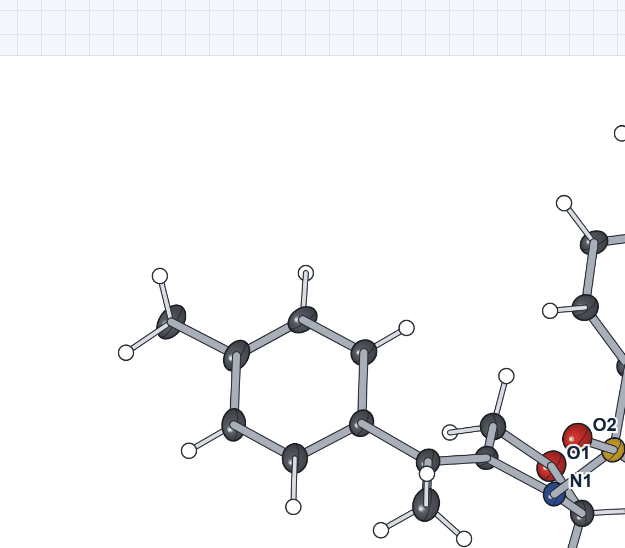
  • Crystal structures drawn with their ellipsoids
  • Stacked plots in any mode that draws a trace
SIB

The SI, built from the projects

  • Figures grouped by compound
  • Reactions with their procedures and schemes
  • Tables started from 21 templates, with values taken off the figures
  • Captions, numbering and cross-references kept in step
  • Previewed page by page; exported as Word and PDF
SIV

An SI checked against its raw data

  • NMR figures, characterization data, HRMS lines, IR lists and crystal structures, each checked against the raw data
  • Flags figures and data that do not match, or that look altered
  • A Green / Yellow / Orange / Red / Black report
  • Past verifications kept in the library
VAULT

One sealed file

  • Raw data, figures, the SI and the verification report sealed into one .cmvt file
  • A change to anything inside shows when the file is opened
  • The vault viewer shows every figure and hands back the raw data
AND MORE

Notebook, library, drawer, tutorial

  • A lab notebook, with yields worked out from formulas and amounts
  • One library for projects, SIs, verifications and vaults
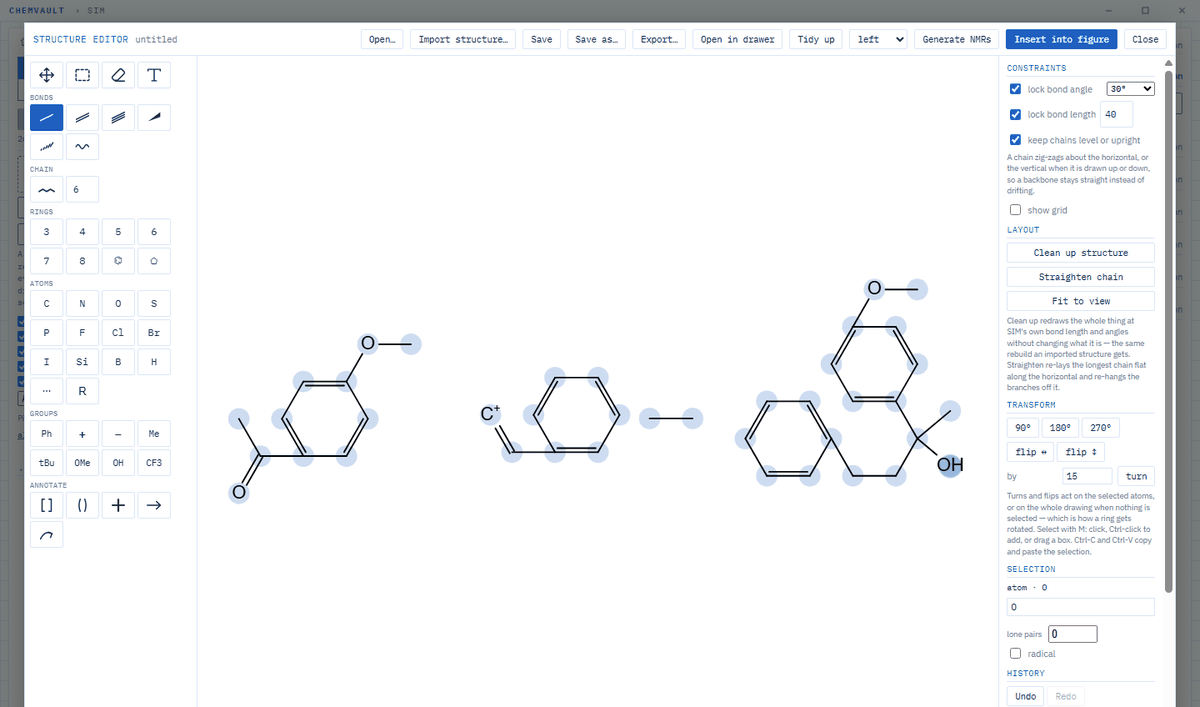
  • A structure drawer whose structures go straight into figures
  • A built-in tutorial, lesson by lesson, on openly licensed published data
  • Runs on your computer; sends no usage data or telemetry

Screenshots

Real screenshots of the app, taken with the data from its built-in tutorial (openly licensed, CC BY 4.0).

A 1H NMR figure made in SIM, integrated
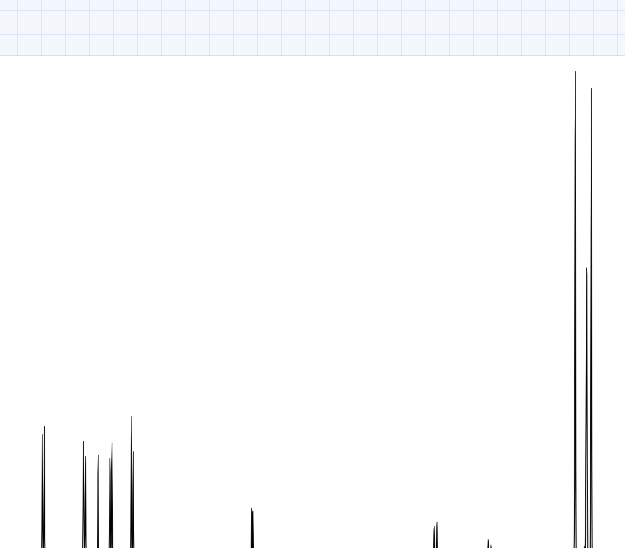
SIM: a ¹H NMR spectrum, processed and integrated on upload.
A crystal structure drawn in SIM with thermal ellipsoids
SIM: the tutorial compound's crystal structure, drawn from its CIF.
A stacked NMR figure in SIM
SIM: a spectrum in the stacked mode.
A DSC trace with glass transition, crystallization and melting labeled
SIM: a DSC trace of PLA with its transitions labeled.
The structure drawer with a reaction drawn
The structure drawer: draw a structure or a reaction and insert it into a figure.

Contact

ChemVault-SIK is in early release. Pricing: contact us. Download: coming soon.

Get in touch

For a demo, a trial or pricing, contact the ChemVault team. A public contact address is coming soon.

Try the demo

A hosted demo of the app is available on request: Try the demo (access by request).

Also from ChemVault

ChemVault-Omni, for computational chemistry: omni.ccptk.com.